Barcode Printing Quality Guide for Meesho and Flipkart Sellers — Fix Scan Failures
A barcode scan failure will cause a problem with your seller ratings. Can even lead to an RTD breach. To fix this problem you need to understand what is going wrong.
Common Causes of Scan Failures
**Cause 1: Wrong Size.** When you print a barcode on a 4x6 roll using an A4 PDF the barcode gets stretched out. You can fix this by using our crop tool to make the barcode the size.
**Cause 2: The "Fit to Page" Setting.** This setting can make the barcode too big or too small so scanners cannot read it. You should always use the "Actual Size" setting.
**Cause 3: Darkness Settings.** If the barcode is not dark enough it will be hard to read. You should set your printer to a darkness of 10-12.
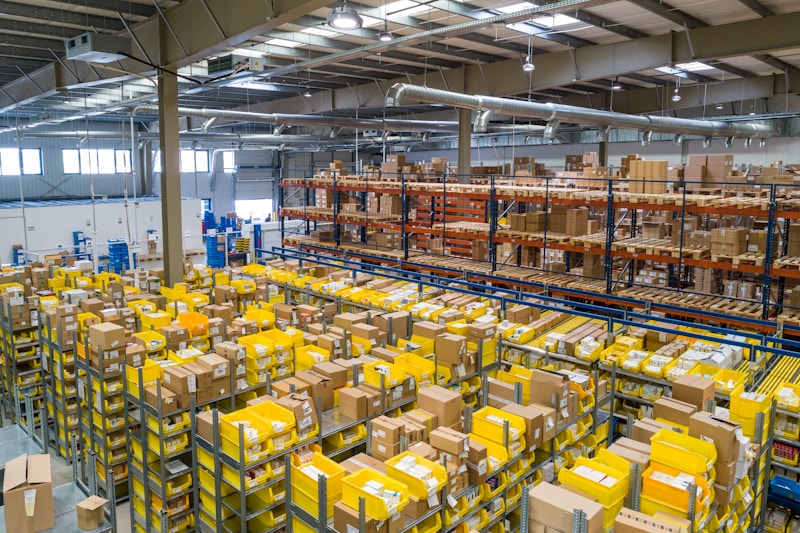
Barcode scanning logistics
Phone Verification Technique
Try scanning one of your barcodes with your phone before the courier arrives. If your phone can read the barcode then the couriers scanner should be able to read it.
Conclusion
Barcode scan reliability is very important for sellers. To avoid problems you need to make sure your barcodes are the size and your printer settings are correct including the density. This will help you avoid RTD breaches and keep your seller ratings high. Barcode scan reliability is crucial for seller performance so fix the size, settings and density of your barcodes to avoid any issues, with barcode scans and RTD breaches.